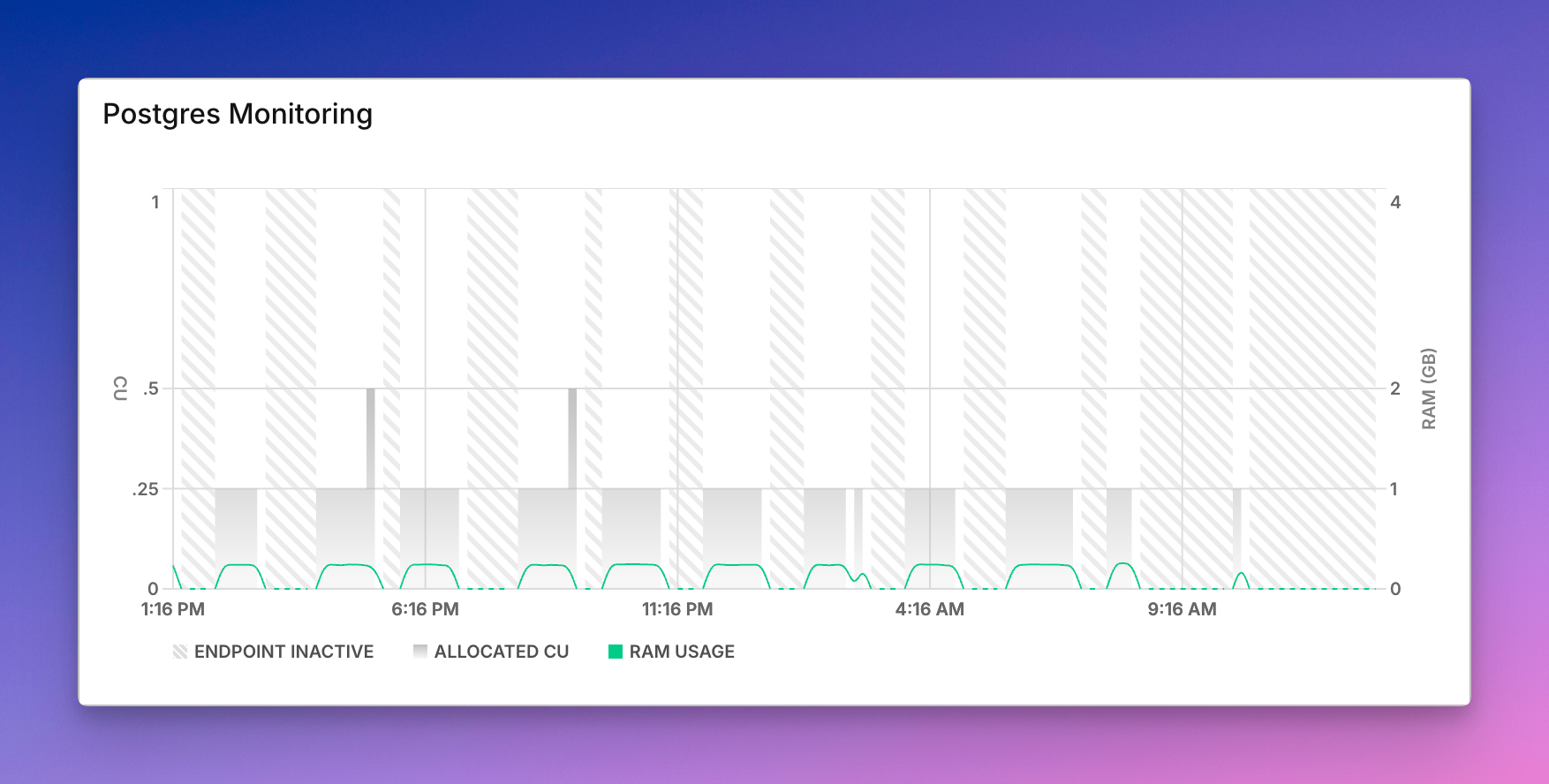
Today I went ahead and fully migrated “Who Is Numeric Citizen” website to Realmac Software Elements Hosting instead of Chillidog Hosting service. Here’s why: A) Chillidog was recently sold, and people are already complaining about a decline in service quality. B) What Realmac Software accomplished with Elements in the last year is nothing less than exemplary. They built mature, native web design software for the Mac and a hosting service. I prefer to reward this company for this hard work.

The migration was really simple and took me less than an hour. The service is a bit more expensive but includes more storage and unlimited network bandwidth. This could enable a future option for hosting more photography-related content. Finally, the web service feels snappier, too!

I realized I forgot to clearly state the design goals before starting to build this custom theme for Micro.blog. They became clearer as I progressed and explored how Hugo and Micro.blog work, especially with assistance from Claude AI, and as I encountered various challenges. Here are the goals: a) I want a theme that stands out and doesn’t resemble typical Micro.blog blogs. b) I aim to minimize the use of external plugins, ensuring that all functionality is integrated within the custom theme. c) I want the same theme to be usable on more than one blog (I have two). Stay tuned for more news.

I recently decided to drop the numericcitizen.io domain name and focus on numericcitizen.me for all my needs. The former was tied to a Craft subscription that I’ll cancel, too. I prefer to manage everything inside a single space under a single domain. It’s cheaper.

What Happened in Recent Days - A LOT

Over the past few weeks, I’ve been on an intensive learning journey exploring automation, cloud deployment, and AI integration. I’ve been hands-on, building real workflows and connecting actual services. Here’s what I discovered along the way.

Getting Started with Automation

The foundation of this exploration was deploying n8n as a self-hosted instance on a cloud provider. This wasn’t just about clicking a button—it required understanding infrastructure, configuration, and the basics of running a service in the cloud. Once that was in place, I could start building workflows.

Building basic workflows in n8n taught me what it actually means to create a functional automation. It’s not enough to have a good idea; you need to understand how data flows through your workflow, how triggers initiate actions, how conditions branch logic, and how errors are handled. Meeting all the requirements for a working workflow meant learning to think systematically about each step and its dependencies.

Accelerating Learning with AI

One of the biggest breakthroughs was leveraging Claude AI to accelerate my learning across different subject matters. Rather than struggling through documentation alone or spending hours debugging, I could ask targeted questions and get explanations tailored to my specific use cases. This fundamentally changed how quickly I could iterate and experiment.

Claude became my learning partner—helping me understand concepts, troubleshoot issues, and even write code. This wasn’t just about saving time; it was about compressing what might have taken weeks of traditional learning into days of focused experimentation.

Building and Connecting

From there, I expanded into multiple directions simultaneously. I deployed Next.js apps on Vercel using Claude Code, which gave me a way to build custom web interfaces quickly. I integrated GitHub for continuous delivery, automating the process of pushing code changes to live services like Scribbles and Micro.blog.

But the real power came from connecting external services directly into n8n workflows. I learned to interact with Telegram, Discord, Micro.blog, and Tinylytics through their APIs, webhooks, and HTTP requests. Each integration taught me something different about how modern services communicate with each other. Some services have well-documented APIs; others require reverse-engineering their webhook payloads. Some are straightforward; others have quirks you only discover through experimentation.

The Deeper Challenges

The more complex problems emerged when I tackled data persistence and LLM integration within n8n. Adding state management to automation workflows isn’t trivial—you need to decide where to store data, how to retrieve it, and how to keep it synchronized across multiple workflow runs. It’s one thing to run a workflow once; it’s another to run it reliably over time while maintaining context and history.

Incorporating AI services—whether through pay-per-use models like Claude or subscription-based services—required careful consideration. I had to think about cost implications, rate limits, and how to structure requests efficiently. Suddenly, every API call had a price tag, and I became much more conscious of resource consumption.

Key Insights

What stands out most is a clearer understanding of tool selection. Each platform has its place, and knowing when to use n8n versus a custom Next.js app versus a direct API call makes all the difference. Sometimes the right answer is a simple webhook; sometimes you need the flexibility of a full application. This contextual thinking has become invaluable.

I’ve also learned to transpose ideas into concrete use cases, leveraging service APIs from Scribbles, Tinylytics, and Micro.blog in ways I hadn’t considered before. What started as “I wonder if I can connect these services” became “Here’s a specific workflow that solves a real problem.”

I’ve discovered how to make the most of services I was already depending on—Micro.blog and Inoreader—by understanding their capabilities more deeply. These tools had features and integrations I’d overlooked, and now I’m using them in ways that actually enhance my workflow.

I’ve also expanded my toolkit with utilities like VS Code, GitHub, and Postman, each playing a crucial role in different parts of the workflow. VS Code became my development environment, GitHub my version control and deployment trigger, and Postman my tool for testing and understanding APIs before integrating them into n8n.

The Bigger Picture

The journey has been about understanding not just individual tools, but how they fit together in a larger ecosystem. It’s about recognizing that modern development isn’t about mastering one tool—it’s about understanding how to orchestrate multiple tools to solve real problems. And it’s about using AI not as a replacement for learning, but as an accelerant that lets you learn faster and go deeper.

Using AI For Writing is Lazy? Think Again

Some believe that using AI for writing articles is lazy, not creative, and that you don’t earn the credit for doing it. I disagree. Or, it depends. Here’s a personal experiment.

This week, I shared an article about digital sovereignty with my professional network on LinkedIn. Even if I used ChatGPT to write the article, I spent days on it, or, more specifically, I spent days creating and testing different prompts. The article was written in French, then later translated into English and shared on my blog (see “On Digital Sovereignty and Strategic Realism”).

In this meta blog post, I want to share the final prompt that led to the article. Please note that the final response from ChatGPT was manually modified before being posted. Here’s the prompt below followed with some comments.

I would like you to write an article of no more than 1500 words on the topic of digital sovereignty, a subject that is currently highly relevant both in Québec and around the world. This article will be read by information technology and cybersecurity professionals. It should offer a clear-eyed perspective on the issues and challenges related to the pursuit of digital sovereignty for organizations and governments. The article should not be alarmist, but realistic and critical, with the goal of prompting reflection among readers.

Here is how the article should be structured: an introductory section that provides context, followed by a section explaining why digital sovereignty is essential but not a fully realistic target in absolute terms; we must remain pragmatic. Then, a section offering potential solutions or realistic strategies that large organizations should adopt, especially if they are critical to society.

The article should conclude with open questions inviting readers to reflect and comment in order to spark a constructive conversation. Use the following elements to build the article. Reuse the provided links as references.

  • Over the past five years, a series of international, political, and technological events has forced us to examine the notion of digital sovereignty (a few examples: the rise of the GAFAM giants, the Snowden affair, the U.S. Patriot Act and Cloud Act, recent U.S. elections, mergers and acquisitions in the tech sector, etc.).
  • What exactly is digital sovereignty? “Digital sovereignty refers to the ability of a state, an organization, or an individual to control and manage its data, digital infrastructures, and technologies in order to ensure its strategic autonomy and security in the digital space.”
  • It is the ability to fully exercise one’s rights and choices in the digital domain without being subject to external constraints.
  • Major outages from several cloud service providers have occurred, the most notable being:
  • AWS (October 20, 2025: Revealing the Cascading Impacts of the AWS Outage – Ookla)
  • A Microsoft Azure outage (October 29, 2025: Microsoft Azure Outage: How the World’s Second-Largest Cloud Platform Went Down – ThinkCloudly)
  • And more recently, a Cloudflare outage (November 18, 2025: Cloudflare outage on November 18, 2025)
  • Another outage occurred last year, on July 19, 2024, when a problematic update from CrowdStrike caused widespread service failures (2024 CrowdStrike-related IT outages – Wikipedia)
  • These outages strongly remind us of our deep dependence on cloud services and technology in general, both personally and within organizations.
  • We need to reflect and attempt to find viable answers and strategies to these questions: Are we well prepared? Do mitigation solutions exist? Is digital sovereignty only about data?
  • Is digital sovereignty a mirage? Are we not always dependent on something beyond our control? We must keep in mind that:
  • Complexity and cost: Developing sovereign solutions (cloud, software, artificial intelligence) requires massive investments.
  • Global interdependence: Digital value chains are globalized, making total autonomy difficult, if not impossible.
  • Risk of protectionism: Some fear that digital sovereignty could be used as a pretext for trade barriers.
  • Clearly, digital sovereignty is not merely about using or not using cloud computing, or choosing which cloud to use; it is much broader than that.
  • I really like this quote, and it must be integrated into the article: “Digital sovereignty is neither a luxury nor a technological gimmick. It is a pillar of resilience and democracy.” — Le Devoir: https://www.ledevoir.com/opinion/chroniques/936699/parlons-souverainete
  • I believe we need to accept the fact that we will never have full control over our digital destiny. Therefore, we must adopt mitigation and exit strategies to reduce dependency links.
  • We must maintain a message of independence toward major industry players so that they understand they are not alone, even if they are powerful. We need to be strategic, give ourselves the means to stay agile, and diversify.

As you can see, the prompt is nearly as long as the final product. It took me a dozen tries to see what ChatGPT could create. After each try, I would modify and add instructions to the prompt. Oh, and I searched for references myself. In short, this was a multi-day effort. Am I a lazy guy? You tell me.

My Content Creation Ecosystem - Fall 2025 Update

It has been a while since my last update in March 2025. Here’s a summary of the changes.

  • I removed Brief.news because I no longer think it will replace Mailbrew.
  • I removed Mailbrew because I no longer depend on it to consume Internet content. I tried to replace it with Inoreader email digests, but it didn’t work as I wrote here.
  • I decided to add ChatGPT Atlas because I now have a solid use case for it: articles summarization and analysis, as I explained in this YouTube video. This means Perplexity didn’t stay from my previous update. I’m focusing and want to settle on OpenAI for the foreseeable future.
  • My new personal landing page, which is mostly complete, has replaced the one previously hosted on Craft public documents.
  • I also made several visual tweaks to make it cleaner and more visually appealing.

The pace of updates slowed considerably in the last two years. It’s a good thing, and it means I can focus more on content and less on tooling.

Behind the Scenes of the “On Apple Failures" Writing Project

I’ve long wanted to write an article like this one. However, as Apple continued to add to its list of failures, poor Apple, I kept pushing back the deadline. This summer, however, the timing was right. Here’s what I did differently this time.

A few months ago, I started gathering a list of Apple’s failures in a Craft document. I wanted to cover the period from when Tim Cook took over as Apple’s leader, following Steve Jobs’ passing, up until now. For each failure, I wrote a summary that included a description, some context, and a list of potential collateral damage to Apple’s reputation and brand. Then, I turned to ChatGPT for help.

I set up a space to upload files, one for each failure, and began a separate “conversation” to explore areas I hadn’t already covered. This process took a few weeks. I’d revisit one of the failures every other day and continue the conversation until I was satisfied.

Next, I started creating a first draft based on all the conversations in this ChatGPT writing project. It took many prompts to refine the base content before exporting it as a Markdown file. Then, I set up a new conversation, uploaded the file, and asked ChatGPT to continue working on the article, this time in canvas mode. It took many more iterations and manual edits to finish around 85% of the writing process.

After that, I imported the text back into Craft and kept adding relevant facts and comments. As I went along, I started searching for photos that could illustrate each section. I used Kagi Search for all my image searches. For each photo, I wrote a brief caption that gave a unique perspective on the failure it was highlighting.

It’s also worth noting the role of Grammarly. As I finished writing in Craft, I used Grammarly to rephrase parts I didn’t quite like. I ended up keeping around half of Grammarly’s suggested rephrases.

In summary, generative AI was a significant contributor to my writing, either through the use of ChatGPT or with Grammarly’s constant supervision. I’m not sure how I should feel about this, nor how you should think about it, now that you know. Make no mistake, the original writing project idea is mine. The selection of Apple’s failures is mine. The starting point of research is mine. The selection of images is mine. Supervision of ChatGPT’s contribution is mine. But is the final product mine? Anyway, complete transparency, now you know.

I have always been torn between creating text-only quotes and image-based quotes. Text-only quotes are easier to resurface and index, while image-based quotes are more visually appealing. You’re preference?

Eternal Debate for Online Creators

While searching for blog posts on numericcitizen.me, I discovered a few duplicates and some that were no longer relevant. I removed the duplicates, likely caused by previous migration processes, and decided to unpublish the outdated posts. There seems to be a debate about whether we should delete past publications. Some argue that all blog posts, regardless of relevance, reflect our identity and showcase what we once considered important. Others believe that removing irrelevant posts, which they refer to as noise, helps the remaining content stand out. As I agree to both arguments, I’m allowing myself to do some cleanup, from time to time, and it’s ok.