Documenting My Numeric Life With Dayone
3 min read
Do you have a Flickr or Glass account where you posted your best shots, describing your mood when the pictures were taken? Do you have a Twitter or Mastodon account where you describe what’s on your mind? Maybe you are a blogger posting on WordPress or Micro.blog about a trip you are currently doing? If you answered yes to a few or all of these questions, you must read this article explaining how you could be documenting your life automatically. Why? How do you ensure the content you create on the Internet will stay forever accessible to you? How can you make sure you won’t lose anything when a service like Flickr changes the rules and removes pictures from its platform? I have set up a process to automatically document my numeric life with content I post online. Here is how.
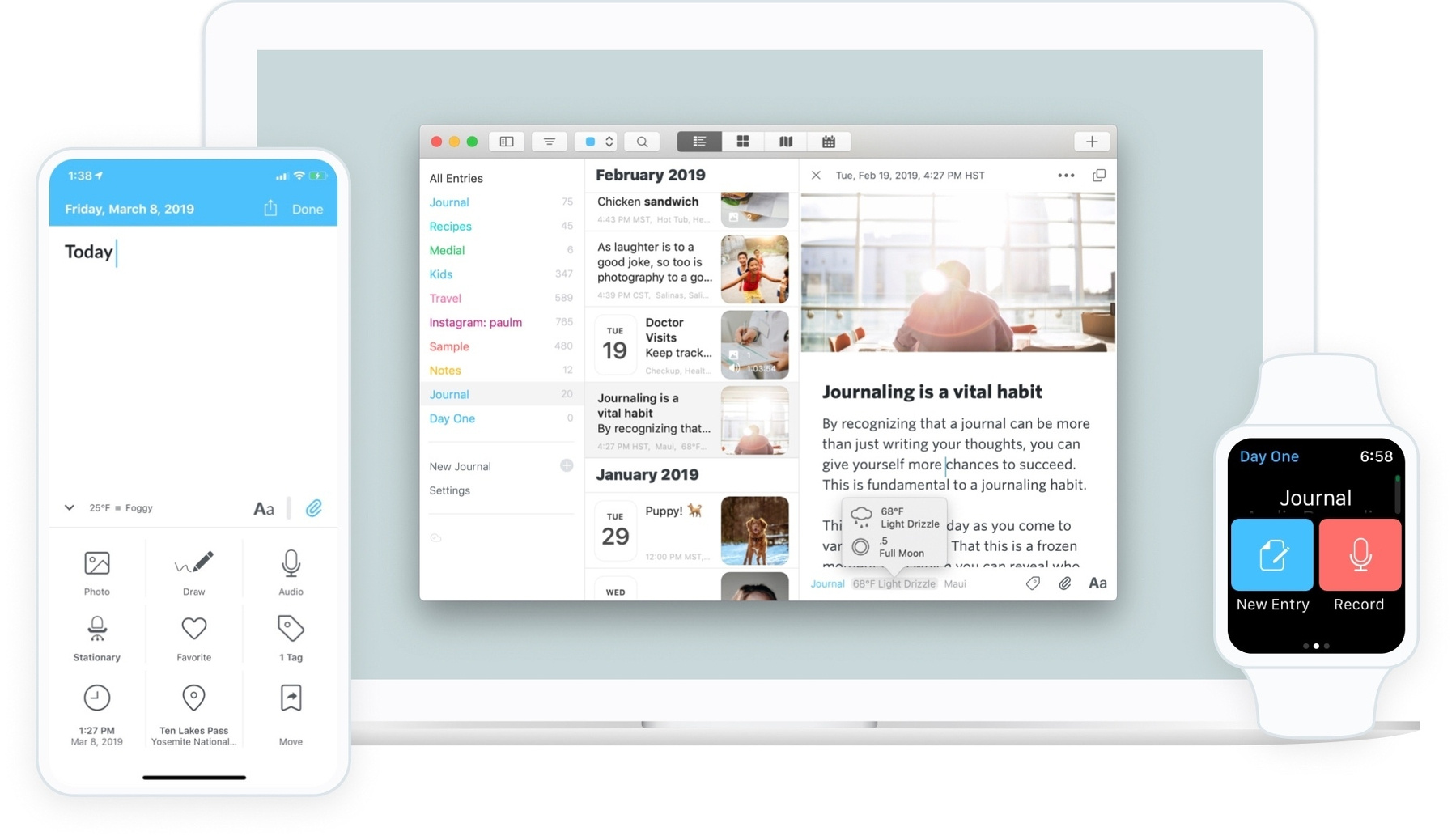
I’ve been using the excellent, powerful journaling app Dayone to help me save copies of my digital work. Dayone allows you to create journal entries containing text, photos, audio recordings, drawings, videos, etc. In addition, each entry contains metadata such as the current weather, GPS coordinates, the currently playing music, etc. The key to my setup is integrating Dayone with the automation service IFTTT, which lets you automate tasks across other web services. One such example of automation is automatically posting a photo you just uploaded to Flickr on Mastodon. Glass alone doesn’t do that, so to circumvent this, I use IFTTT to do it for me.
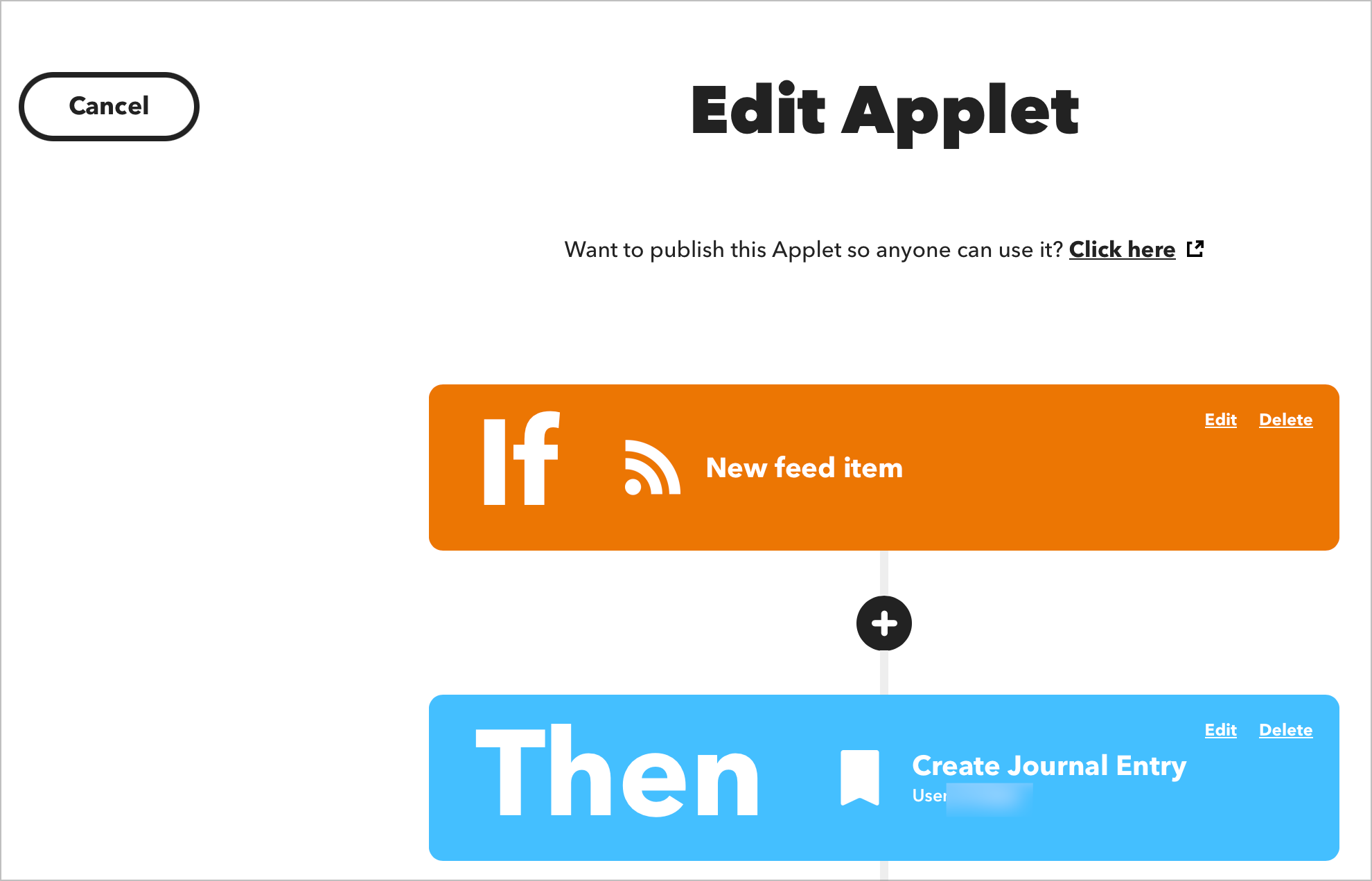
The cool thing is that you can also use IFTTT to push content to your Dayone journal. To integrate both, you need to subscribe to the premium tier of Dayone. This will enable many cool features like syncing your journals on Dayone web servers. Second, this will make it possible for IFTTT web services to push content into your Dayone journals over the web. Don’t worry about security here; all data movement is encrypted.
As an example, I have created an “applet” on IFTTT that does this: if I publish a picture on Glass, I’d like to keep this post in my personal journal on Dayone and give it the tag “Glass”. The journal entry will include the picture itself, the description, the date and time and the source of information. Pretty cool, huh?! I have many applets that I have created to save, for example, a copy of all my posts on Micro.blog, or create an entry each time I publish a new blog post here on numericcitizen.me. Using RSS feeds with IFTTT is super simple.
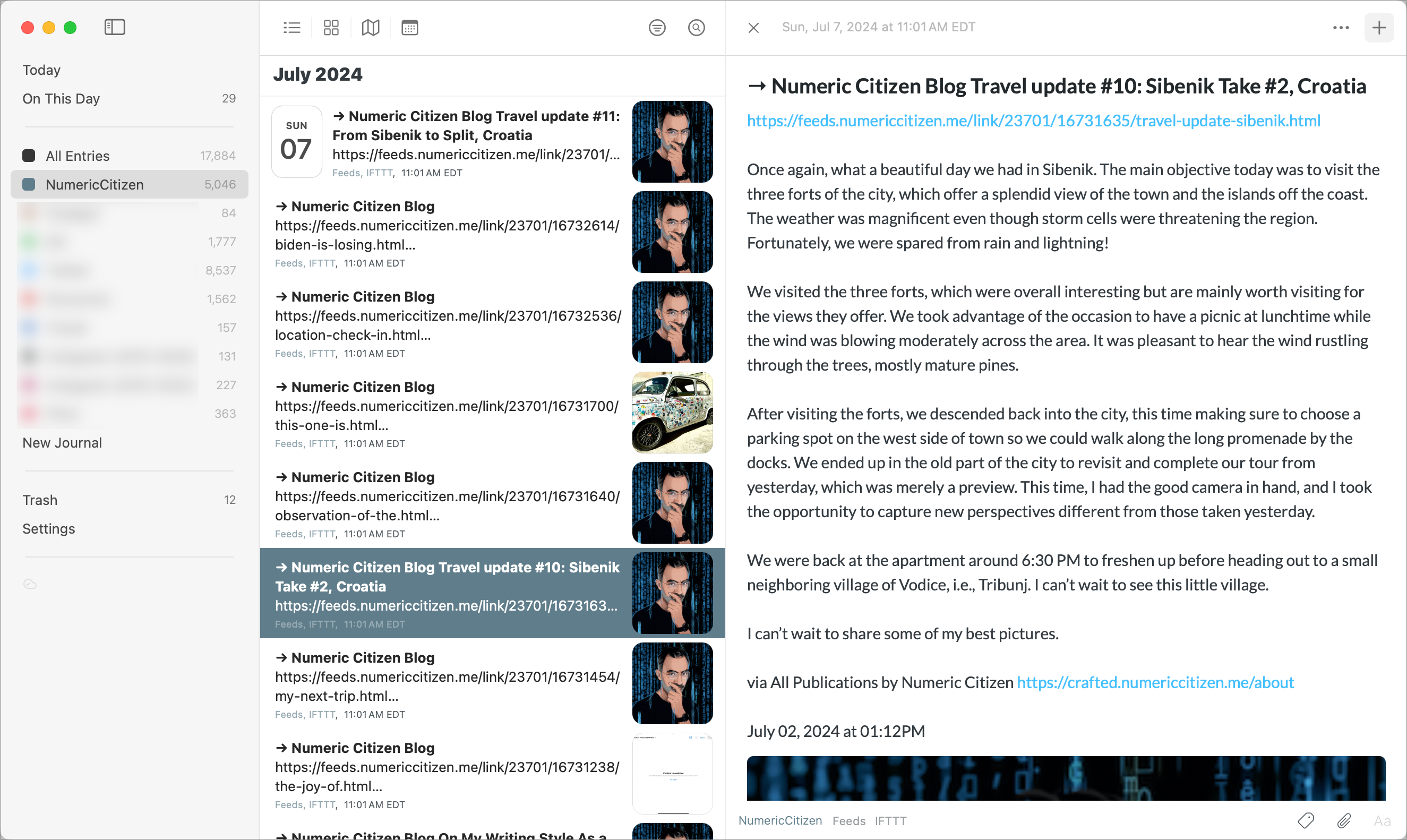
With all these applets running in the background, it is documenting and saving what I post on the internet via the web services I use. The following diagram shows the flow of information between the sources and the destination, Dayone.
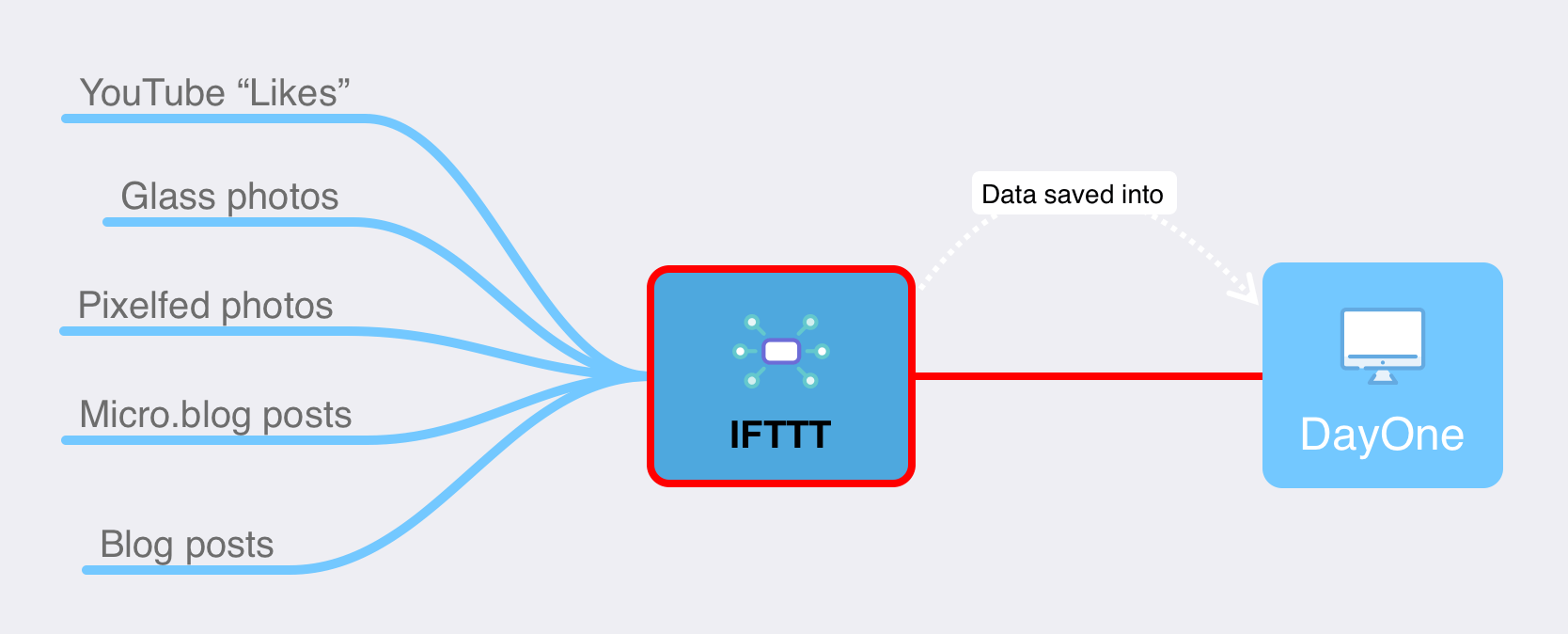
On the left, are the web services that I use for publishing content, and on the right, Dayone who gets all the information confined thanks to applets running at IFTTT.
As you can see, my internet presence is not only here on WordPress. I publish YouTube videos, I have a Micro.blog account, I’m posting photos on Glass, and I’m a YouTube consumer too. Nearly all of my interactions with these services are saved within my personal journal on Dayone. I find it cool and relieving to know that my personal archives are readily available. After reading this article, maybe you’ll consider doing something similar for your content, too?